Best eSignature Apps in 2026 (iOS, Android, Web)
A "great mobile app" is a feature where many eSignature vendors fall short. We tested the top platforms on iOS and Android and ranked the apps that actually feel native.
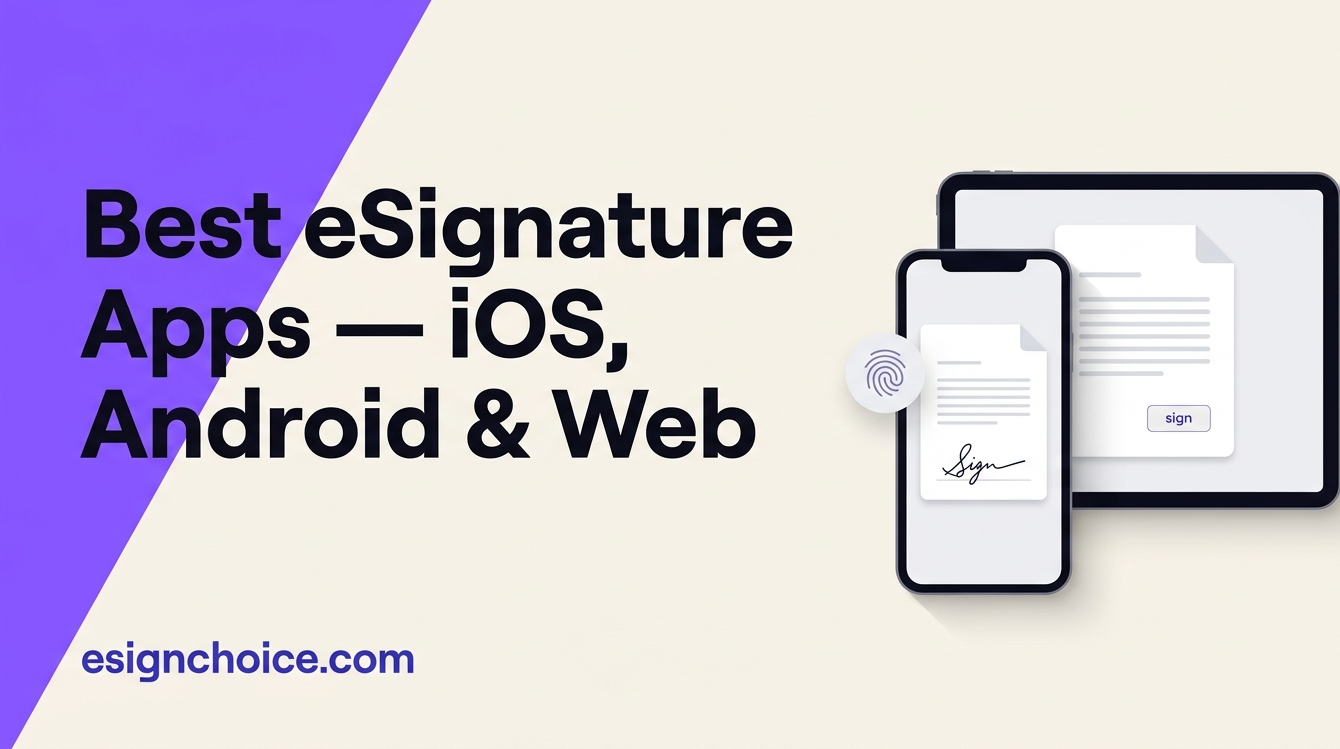
Best eSignature apps in 2026
A great eSignature app is a surprisingly rare feature. A lot of vendors ship mobile apps that are thin web views wrapped in a native shell — functional, but clearly an afterthought. We tested the top platforms on iOS 17 and Android 14 across five common tasks (sending a new envelope, signing a received document, scanning a paper original, working offline on a plane, and tracking a batch of outstanding signatures) and ranked the apps that actually feel native. The shortlist below reflects that testing, not vendor marketing.

PandaDoc
by PandaDoc Inc.Our editor’s #1 pick: a complete document and eSignature platform — reusable templates, pricing tables, approval workflows, deep CRM, and conformant signing, all in one product.
Sign.Plus
by AlohiOur #2 pick: the lighter, Swiss-headquartered challenger — best when you want pure eSignature without the document-platform complexity, with the strongest mobile experience and a genuinely usable free tier.
DocuSign
by DocuSign, Inc.The category-defining eSignature platform, with the deepest integration ecosystem and the longest enterprise track record.
Dropbox Sign
by DropboxThe product formerly known as HelloSign — a polished, developer-friendly eSignature tool with a strong API.
What makes a good eSignature mobile app
- Native, not a web view. The app should feel like an iOS or Android app — pinch to zoom on the document, native scroll momentum, system-level share sheets, and proper iPad / large-screen layout.
- Biometric authentication. Face ID, Touch ID, or fingerprint both to unlock the app and — critically — to authenticate the signing event itself. This is what makes mobile signing auditable.
- Responsive signature drawing surface. Sub-30ms pen latency on the draw gesture. Laggy signature capture is the single most common mobile-eSignature complaint in user reviews.
- Apple Pencil / stylus support on iPad. For field agents who sign with customers in person, a drawn-with-Pencil signature is meaningfully better-looking than a finger-draw.
- Camera scanning. Snap a photo of a paper document, auto- crop, de-skew, and turn it into a signable PDF. The best apps integrate this natively; the weakest require you to scan elsewhere and re-upload.
- Offline support. Drafting, filling, and signing cached documents without connectivity — then syncing when you’re back online. This matters for field work, flights, and low-connectivity environments.
- Push notifications. Real-time events when recipients view, sign, or decline — not batched email digests an hour later.
- Feature parity with the web product. At minimum for the send/sign/track flow. Admin functions can live on desktop.
- Clean recipient experience. When someone signs your document on their phone, the signing flow should be frictionless — no forced account creation, no aggressive app-install nags.
Why Sign.Plus tops the mobile pick
A note on our ranking: our overall editor’s #1 across the site is PandaDoc because it is the most complete document + signing platform. PandaDoc’s mobile app, however, is built mainly for the recipient side and for status checks — composing complex proposals is a desktop task. For mobile-first workflows where senders work from a phone or tablet daily, Sign.Plus is the better top pick.
Sign.Plus has the strongest mobile experience we’ve tested. Both the iOS and Android apps are genuinely native (not wrapped web views), with Face ID / Touch ID / fingerprint signing, offline drafting, native document scanning, and full feature parity with the web product for the send/sign/track flow. Apple Pencil works well on iPad. Push notifications fire in under a second of a signing event. For mobile-first signers — freelancers, real-estate agents, field-service teams, site inspectors, mobile notaries — that combination of polish and parity is the deciding factor. It’s also the only major app we tested where you can complete a signing session from drafting to finalization without reaching for a laptop.
Per-app mobile review
Sign.Plus — #1 mobile experience
Native iOS + Android. Biometric signing, offline drafting, camera scanning, Apple Pencil, full feature parity with web. Clean signer flow that doesn’t force recipients to install anything. The app we recommend first. Read: Sign.Plus review.
DocuSign — enterprise-grade, slightly dated UI
Mature and feature-complete on both iOS and Android, including Apple Pencil support, push notifications, and an offline-view mode (can open cached envelopes without connectivity but can’t sign them offline). The signer flow benefits from external counter-party brand recognition. The app interface itself feels a generation behind newer challengers. Read: DocuSign review.
Dropbox Sign — clean, focused, narrower
The mobile app kept HelloSign’s reputation for a minimal signing experience. Tight Dropbox Business integration — cached PDFs from Dropbox show up in the signer picker. No offline signing; thinner template surface on mobile. Read: Dropbox Sign review.
SignNow — strongest mobile bulk-send
The SignNow mobile app is the only one we tested that does mobile bulk send well — you can trigger a CSV-driven bulk envelope from the app, useful for field HR and real estate disclosure workflows. Otherwise the app is functional but less polished than Sign.Plus or DocuSign. Read: SignNow review.
PandaDoc — tracking-focused rather than authoring
PandaDoc’s mobile app is built for salespeople to track outstanding proposals and send a one-click reminder. It is not built for composing new proposal documents — the drag-and-drop builder lives on desktop. If your role is document authoring, stay on the web. If your role is following up with prospects between meetings, the app is actually excellent. Read: PandaDoc review.
iOS vs Android notes
Feature parity between iOS and Android is close across Sign.Plus, DocuSign, and Dropbox Sign. Where they diverge:
- Apple Pencil / stylus: iOS-only for Sign.Plus, DocuSign, Dropbox Sign. Android styluses (Samsung S-Pen on Galaxy Note/Ultra, generic capacitive) work fine for drawing but the Pencil pressure-sensitivity integration is iPad-specific.
- Widgets / lock-screen status: iOS home-screen widgets for envelope status on Sign.Plus and DocuSign. Android widget support is thinner.
- Share-sheet integration: both OSes let you push a PDF from Files / Drive / Dropbox into the eSignature app. iOS share-sheet integration is slightly cleaner across the board.
- Offline storage: all iOS apps respect the system-level Files storage quota and iCloud offload; on Android, offline caches are per-app and can be cleared without warning by aggressive storage managers.
Use cases by role
- Freelancer / consultant: Sign.Plus — cheapest, cleanest, Free or Personal plan sufficient.
- Real-estate agent in the field: Sign.Plus or DocuSign; offline drafting and iPad Pencil are both available on Sign.Plus.
- B2B sales rep tracking proposals: PandaDoc for tracking + reminders; compose on web.
- Field HR / onboarding coordinator: SignNow for mobile bulk send; Sign.Plus if volume is moderate.
- Healthcare intake clerk: Sign.Plus Enterprise with BAA; HIPAA support on eligible plans (vendor-stated).
- Site inspector / auditor: Sign.Plus — offline drafting is decisive for remote job sites.
- SaaS developer embedding signing in a mobile app: Dropbox Sign API (best docs) or SignNow API; both are credit-card accessible.
Security on mobile
All major vendors encrypt data in transit (TLS 1.2+) and at rest. Where mobile security meaningfully differs from desktop:
- Device-level biometric auth gates both app access and the signing action itself — this is what makes the audit trail strong on mobile.
- Local document caching: Sign.Plus and DocuSign cache cached PDFs in the iOS secure enclave / Android keystore. Dropbox Sign respects the OS-level encrypted storage.
- Screenshot protection: most apps allow but do not block screenshots. If your data handling policy requires screenshot blocking, look for it on the enterprise tier (DocuSign supports it; others are limited).
- Remote wipe: on a stolen device, you can revoke session tokens from the web admin console on Sign.Plus, DocuSign, SignNow.
When an app other than Sign.Plus wins
- DocuSign — when the recipient’s trust in the DocuSign brand on an incoming email matters more than the sender experience.
- Dropbox Sign — when your team’s files already live in Dropbox Business and share-sheet integration is the deciding factor.
- SignNow — when you regularly initiate bulk sends from a phone (field HR, real estate disclosure).
- PandaDoc — when your mobile workflow is pipeline tracking rather than authoring.
Frequently asked questions
Which eSignature app is best for iPhone?
Sign.Plus has one of the most polished iOS apps in the category — Face ID for in-app auth and biometric signing, offline drafting, camera document scanning, and full feature parity with the web product. DocuSign and Dropbox Sign also offer mature iOS apps with strong signing flows; SignNow’s iOS app is functional but less polished; PandaDoc’s mobile app is more focused on status tracking than document building.
Which eSignature app is best for Android?
Sign.Plus again tops our list — the Android build matches the iOS feature set including fingerprint signing, offline drafting, and document scanning. DocuSign’s Android app is feature-complete and widely used in enterprise. SignNow’s Android app is solid for bulk senders. Dropbox Sign on Android is clean but narrower in scope.
Are eSignature mobile apps secure?
Yes — the major vendors all encrypt data in transit (TLS 1.2+) and at rest, support biometric authentication on device (Face ID, Touch ID, fingerprint), and produce the same tamper-evident audit trail as the web product. The signature itself remains legally binding under ESIGN/UETA and eIDAS regardless of whether it was captured on mobile or desktop. What varies: some apps store cached documents locally in the secure enclave, others keep everything server-side — check the vendor’s security docs if you handle PHI or regulated data.
Can I sign offline?
Sign.Plus’s mobile app supports offline drafting — you can open, fill, and sign a cached document without connectivity; it syncs and finalizes when you’re back online. Most other apps require an active connection for signing itself (you can usually view cached documents offline but cannot complete signing). For field agents, on-site inspectors, and remote workers, Sign.Plus is the clear pick.
Do mobile apps support bulk sending?
Usually no. Bulk send is a workflow designed for desktop — you upload a CSV of recipients, map fields, and trigger hundreds of envelopes in a single action. On mobile, most vendors (including Sign.Plus) let you track and remind on bulk sends, but initiating them is desktop-first. SignNow has the most capable mobile bulk flow we’ve tested.
Can recipients sign without installing an app?
Yes — this is the normal flow. The signer receives an email with a signing link that opens in their mobile browser; no app install required. All major vendors produce a mobile-optimized signing experience. Only the sender typically needs the app; recipients sign through the link.
Do any apps support Apple Pencil or stylus signing?
Yes — on iPad, Sign.Plus, DocuSign, and Dropbox Sign all accept Apple Pencil input for drawing signatures. This produces a meaningfully better-looking signature than a finger-draw. For field agents with iPads, it is worth enabling.